

Home Product Landing White
Intended use
Guide for SE Cozy +
Blocks light completely while allowing natural eye movement, ensuring total darkness without pressure. Designed for ultimate comfort, it's perfect for meditation, yoga, travel, and restful sleep.
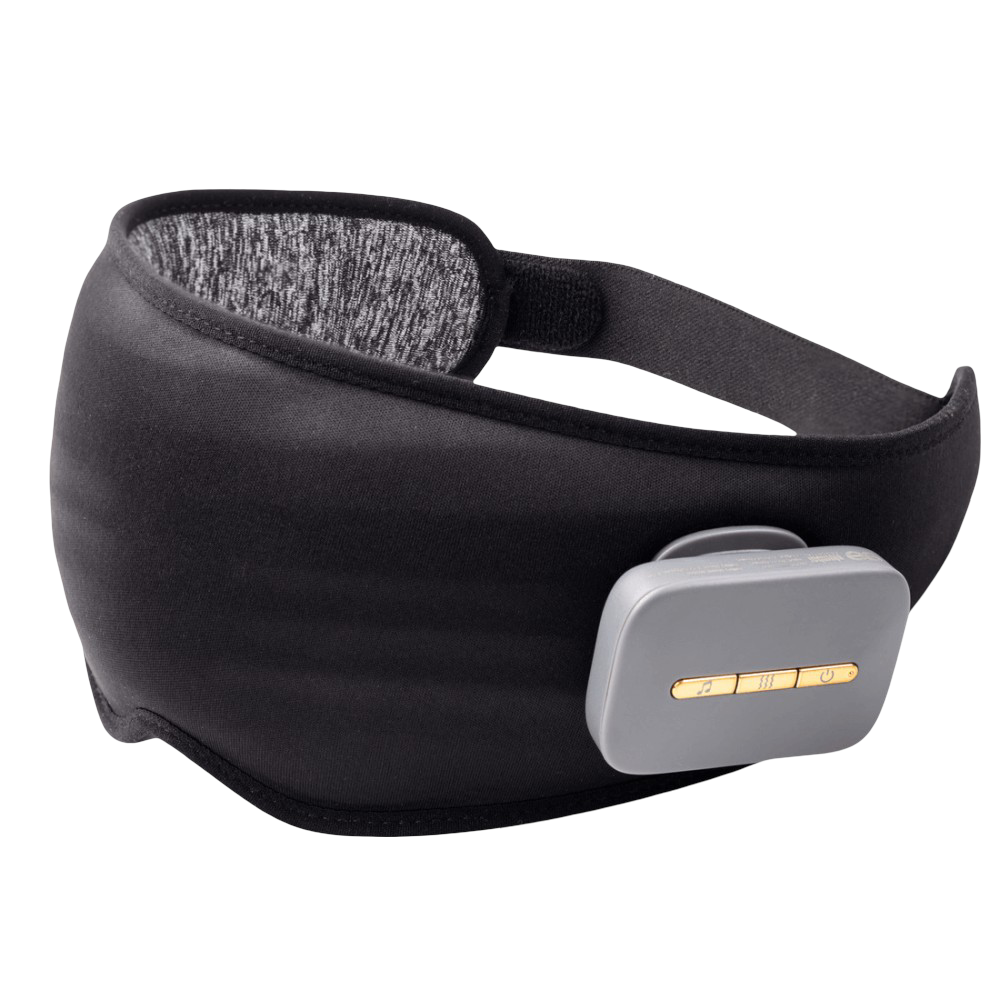
SE COZY
Eye Mask
Eye Relaxation
Ultimate eye relaxation—blocks light, relieves strain, and ensures deep sleep. Perfect for meditation, yoga, travel, and daily use.
99.9% Blackout
99.9% blackout for deep sleep, eye relief, and total relaxation—perfect for travel, meditation, and daily rest.
Comfortable & Elegant
Comfort meets elegance—soft, stylish, and perfect for restful sleep.
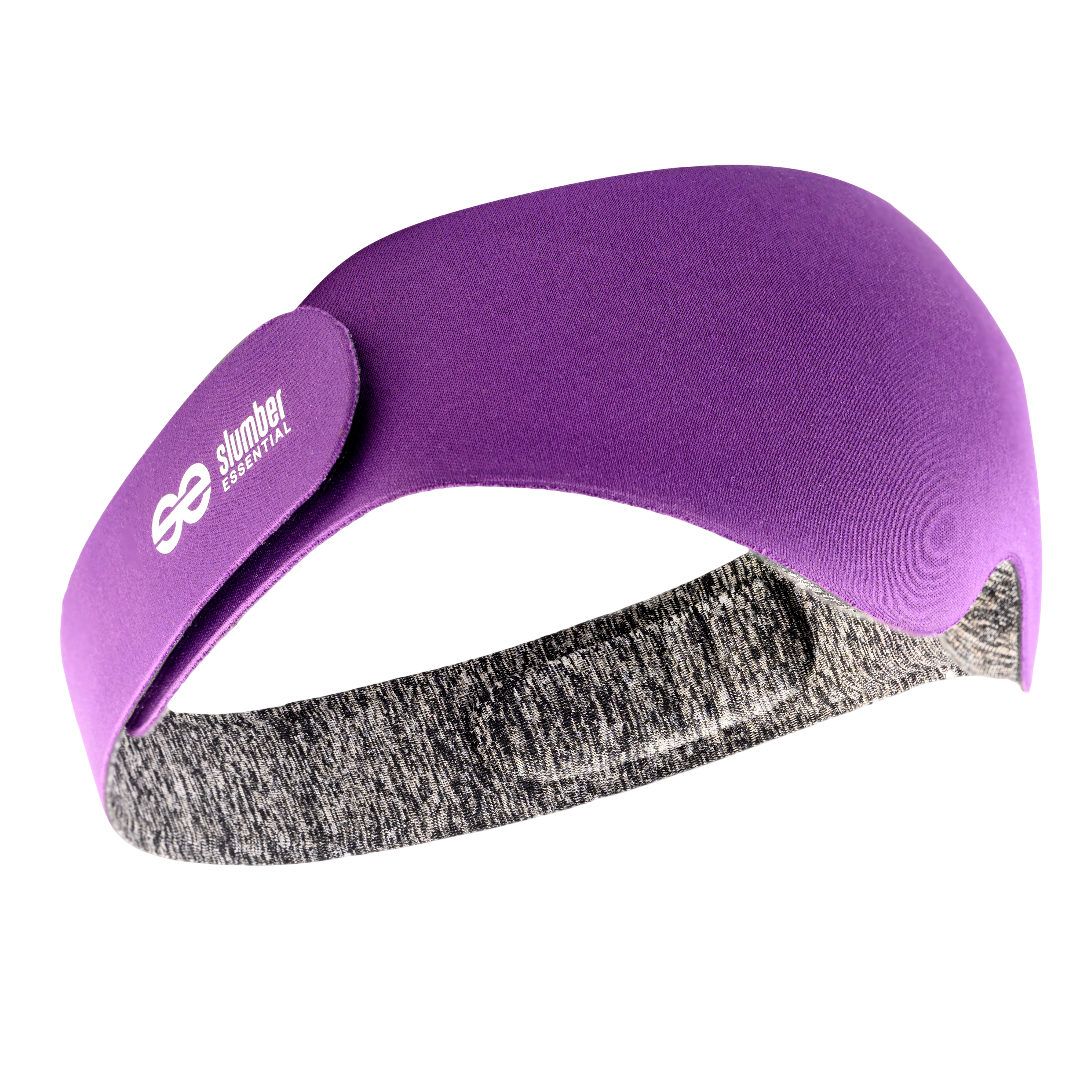
Skin Friendly
Gentle on skin, ultra-soft, and breathable—our sleep mask ensures comfort and irritation-free wear for a restful sleep.
Ventilation
Breathable design for airflow and comfort—stay cool and relaxed while you sleep.
Washable
Easy to clean and reusable—washable for long-lasting freshness.
Caution: Wash with water before use Handwashing is recommended. The water temperature should not be higher than 40°C (104 F). After washing, it can be dried naturally. Do not twist or wring.
Precaución: Lavar con agua antes de usar Se recomienda lavarse las manos. La temperatura del agua no debe ser superior a 40°C (104°F) Despues del lavado, se puede secar de forma natural. No retorcer rv retorcer

Light Leakage
Why is it still leaking light?
- The wing of the eye mask and the bridge of the nose fit should fit vertically.
- Gently press on both sides of the nose to adjust the best shading effect.
- Adjust the elastic band, don’t make it overly loose. Don’t put the strap too close to the ear, move it up.
SE COZY+
Eye Massager
Finger Massage Feeling
Relax and unwind with the Finger Massage Feeling Sleep Mask, designed to soothe your eyes and enhance deep sleep.
8 Silcone Massage Heads
Experience gentle eye relaxation with the Silicone Massage Head Sleep Mask for a soothing and restful sleep.
Mindful Breathing Emotion Relaxation
Comfort meets elegance—soft, stylish, and perfect for restful sleep.
99% Blackout
Comfort meets elegance—soft, stylish, and perfect for restful sleep.
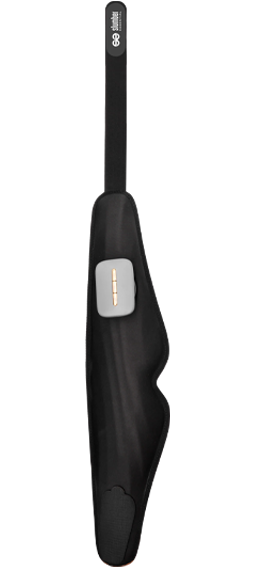
Sleep-aid Music
Sleep-Aid Music – Soothing melodies and calming sounds designed to relax your mind and promote deep, restful sleep. 🌙🎶
Warm Felling Eye Relaxation
Warm Feeling Eye Relax – Gentle warmth and soothing comfort to relieve eye strain and promote relaxation. 🌿💆♂️
Comfotable Wearing
Comfortable Wearing – Lightweight, soft, and ergonomic design for a perfect fit and all-night comfort. 😊✨
Washable
Washable – Easy to clean and reusable for long-lasting freshness and hygiene. 🧼✨

CLEAN MASK
How can I clean the mask?
- It is recommended to hand wash.
- Use laundry detergent or shower gel to clean.
- The water temperature should not be higher than 40°C (104°F).
- After washing, it can be dried naturally. Do not twist.
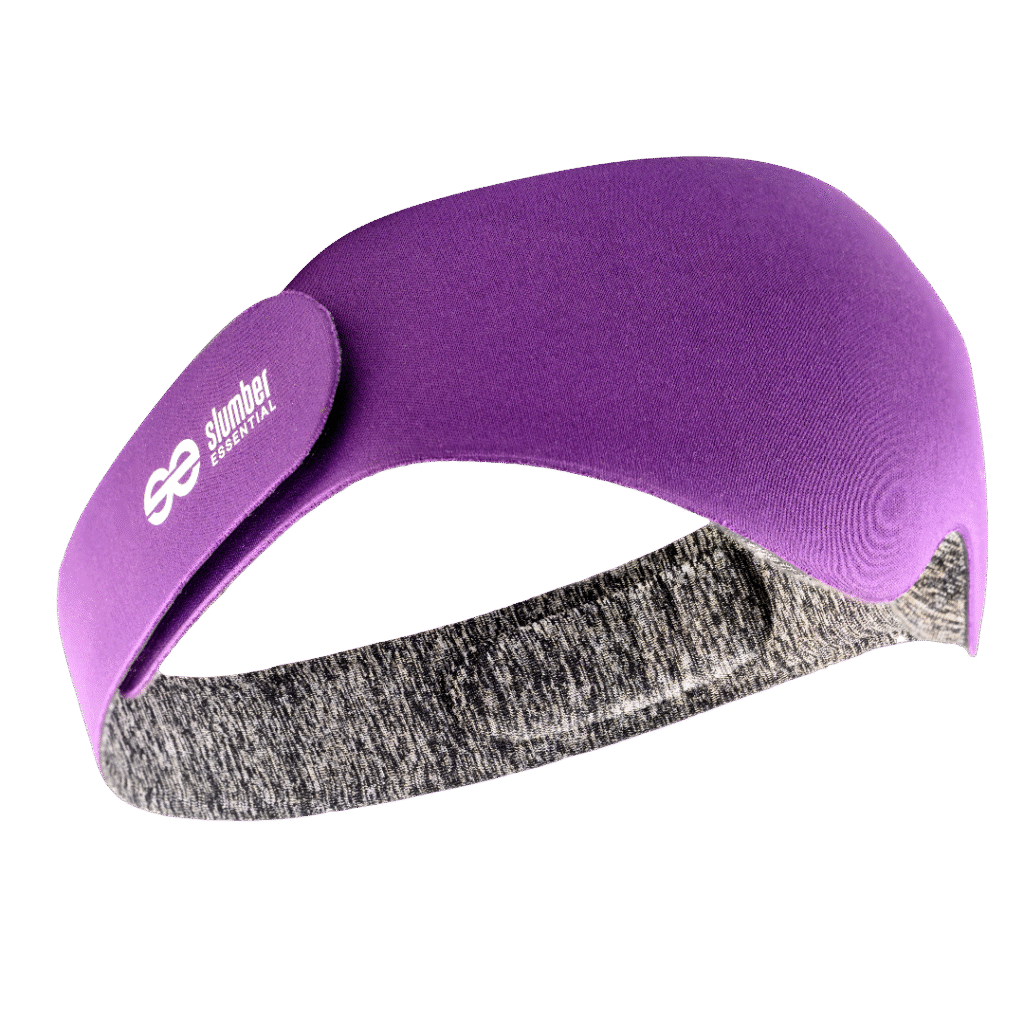
Energy Boost
Waking up will feel great
Have the sun rise on your own schedule, right inside Bía.
The experience is peaceful, energizing and exactly what you need to start your day on the right side of the bed.
Caution Proper Use for Best Results
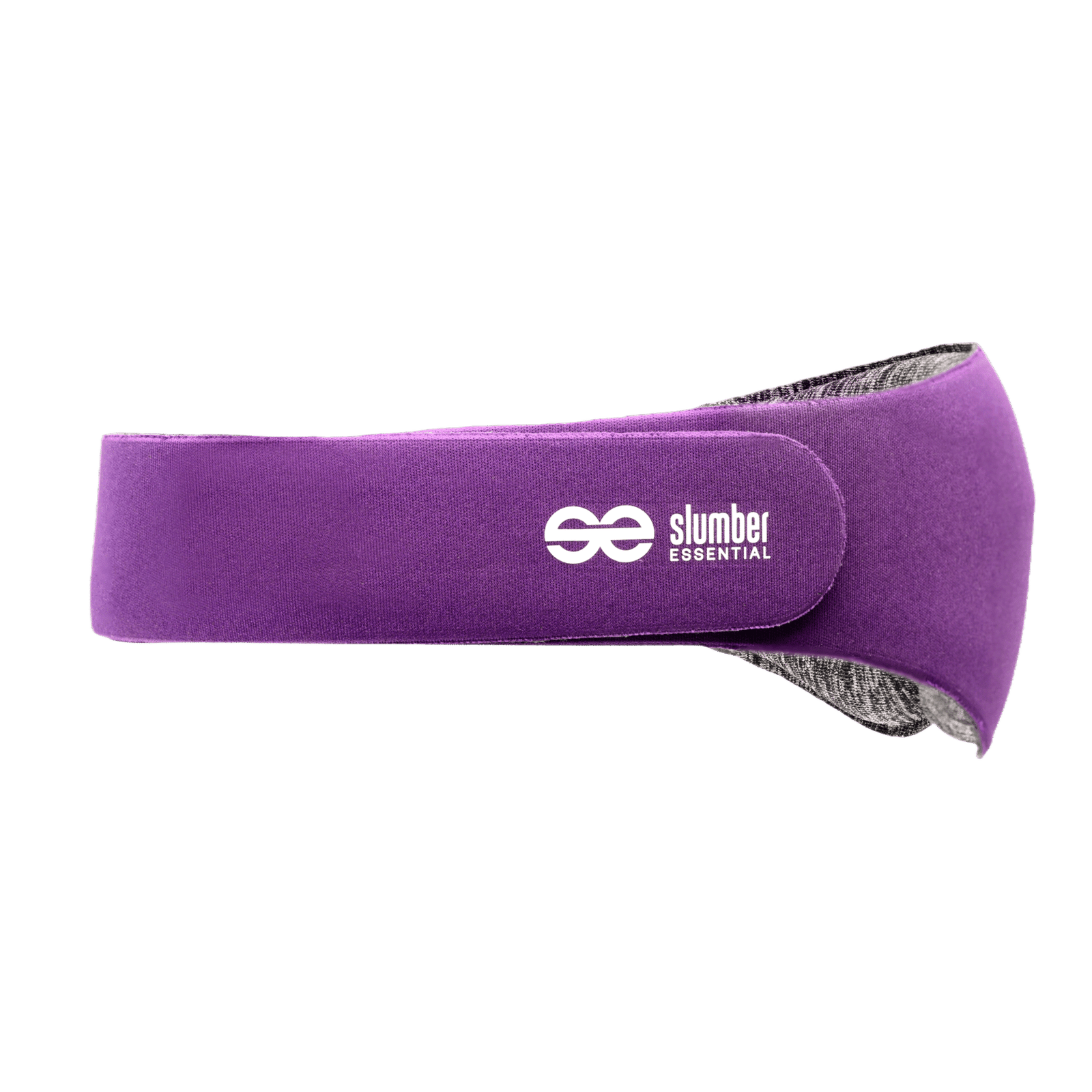
Wash your sleep mask with water before first use.
Allow it to dry completely for optimal comfort.

Hand washing is recommended. The water temperature should not be higher than 40°C (104°F). After washing, it can be dried naturally. Do not twist or wring.
Ease into a calm and relaxed state with meditative sounds personalized to your brain activity

Have your sleep data reviewed by in-house sleep experts and get personalized sleep recommendations.
Frequently asked questions
What is an FAQ section?
An FAQ section can be used to quickly answer common questions about your business like “Where do you ship to?”, “What are your opening hours?”, or “How can I book a service?”.
Why do FAQs matter?
An FAQ section can be used to quickly answer common questions about your business like “Where do you ship to?”, “What are your opening hours?”, or “How can I book a service?”.
Where can I add my FAQs?
FAQs can be added to any page on your site or to your Wix mobile app, giving access to members on the go.
How do I add a new question & answer?
To add a new FAQ follow these steps:
1. Manage FAQs from your site dashboard or in the Editor
2. Add a new question & answer
3. Assign your FAQ to a category
4. Save and publish.
You can always come back and edit your FAQs.
Can I insert an image, video, or GIF in my FAQ?
Yes. To add media follow these steps:
1. Manage FAQs from your site dashboard or in the Editor
2. Create a new FAQ or edit an existing one
3. From the answer text box click on the video, image or GIF icon
4. Add media from your library and save.
How do I edit or remove the 'Frequently Asked Questions' title?
You can edit the title from the FAQ ‘Settings’ tab in the Editor. To remove the title from your mobile app go to the ‘Site & App’ tab in your Owner’s app and customize.
